Search
There are several ways to search for data within the application.
Global Search (Top-Left Corner)
In the top-left corner of the screen, you will find the global search field. When you enter a value here, the system will display results categorized by element type. You can click through to view more details, or use the "Show more" option to expand the results.
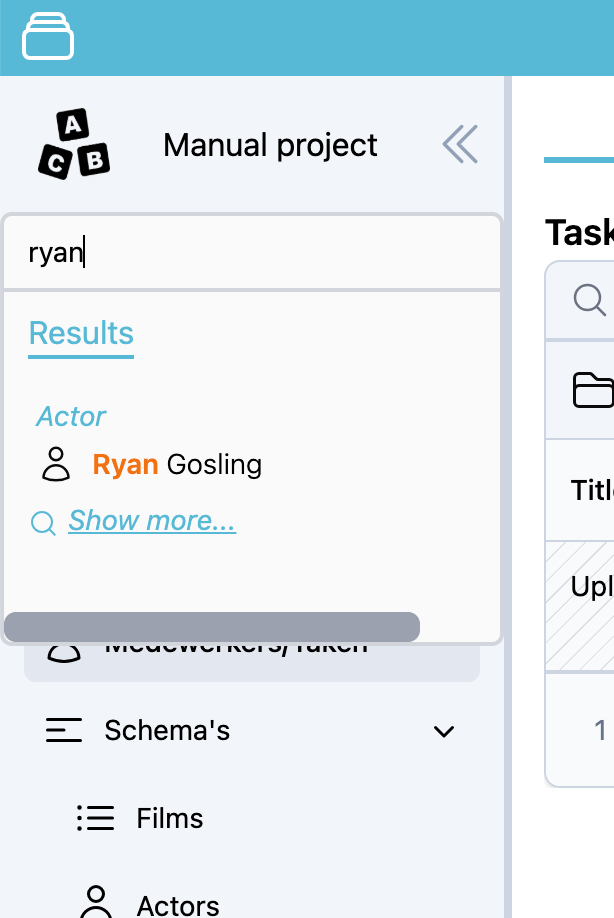
Table-Specific Search
Another way to search is directly within a table. To do this, click the filter icon in the header of the column you want to search in. A small window will appear, allowing you to enter your search term specific to that column.
This allows for more focused filtering of the data displayed in the table.
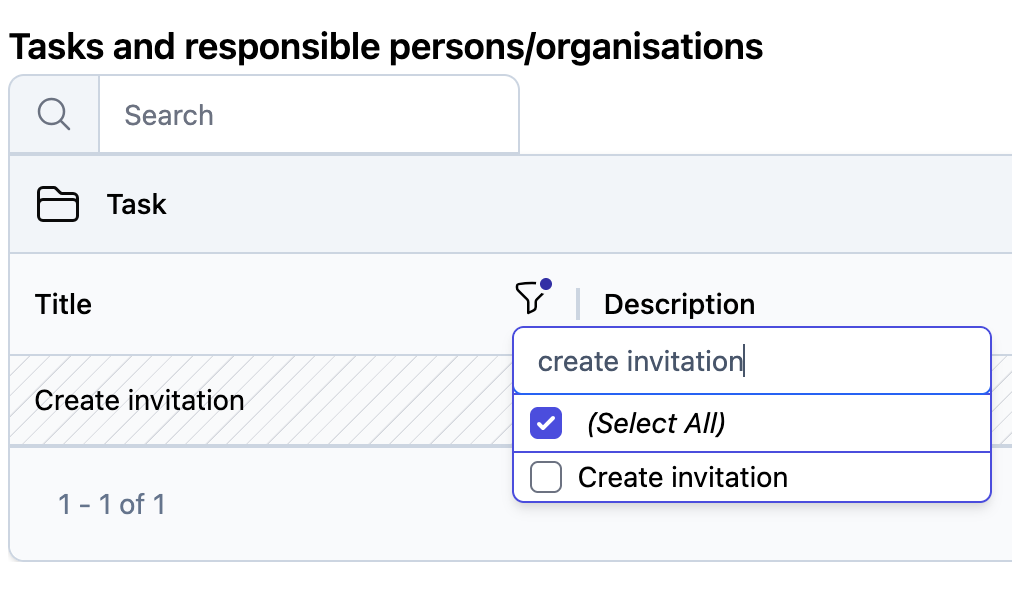
Also visible in the screenshot above is the quick filter (the input field displaying “Search”). This filter searches across all columns for the entered value, providing an easy and fast way to find what you’re looking for.